🎉 Welcome
Welcome to Block! Let’s get you setup so you can get to work right away. First, some ground rules:
- On Day 1, instructions will be sent to your personal email to set your initial password to your corporate login early in the morning.
- You will not be able to begin this process until you have recieved this email.
- You can optionally join IT Office Hours to get technical support from a member of our IT Team if you run into any questions. The Google Meet link for this onboarding session will be provided to you via onboarding communications.
📱 Before you start!
Before starting you will need to set your initial Block password using the link sent to your personal email. You will use this password during device setup.
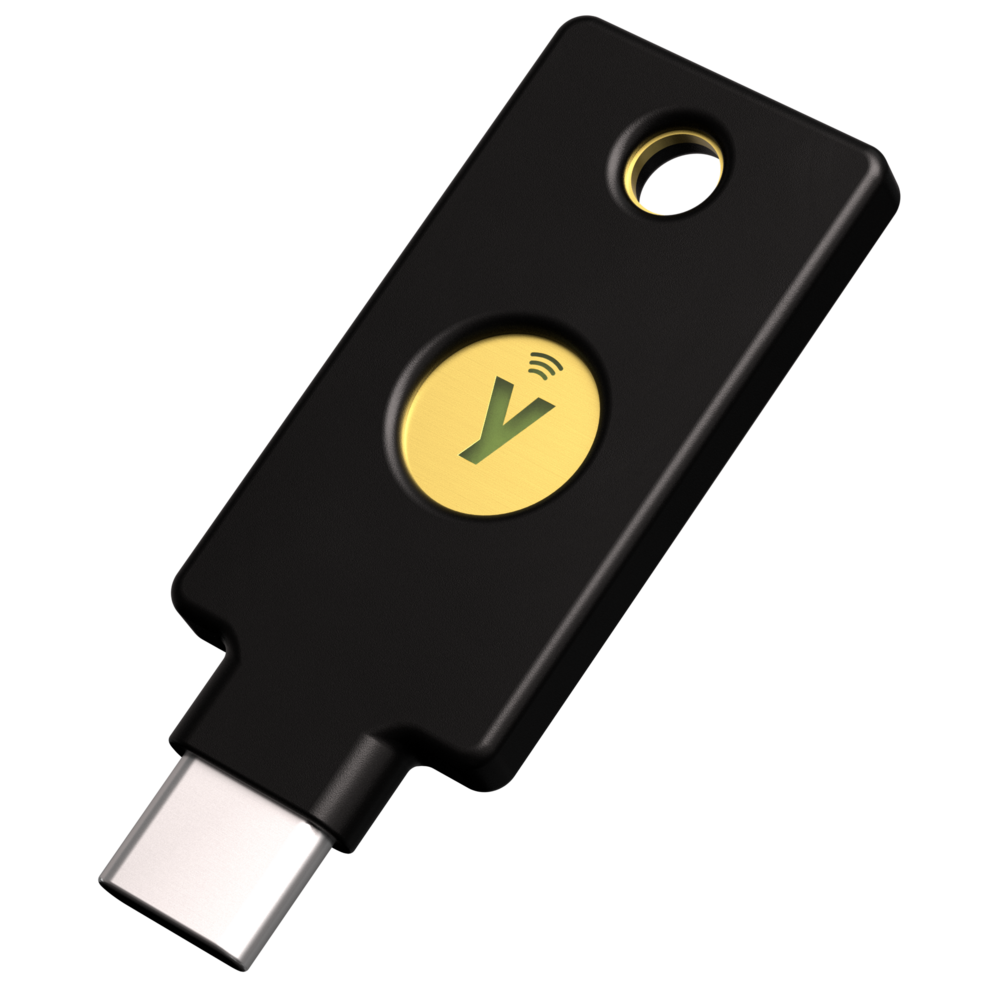
Your laptop should have come with a YubiKey (a small USB security key). You will use this YubiKey to enroll phishing-resistant MFA during device setup — keep it handy!
💻 Laptop in hand?
Have you received your official Block laptop and have it with you?