Browser Setup
Confirm your Chrome browser is properly configured with the required extensions.
Verify Chrome extensions
Open Chrome
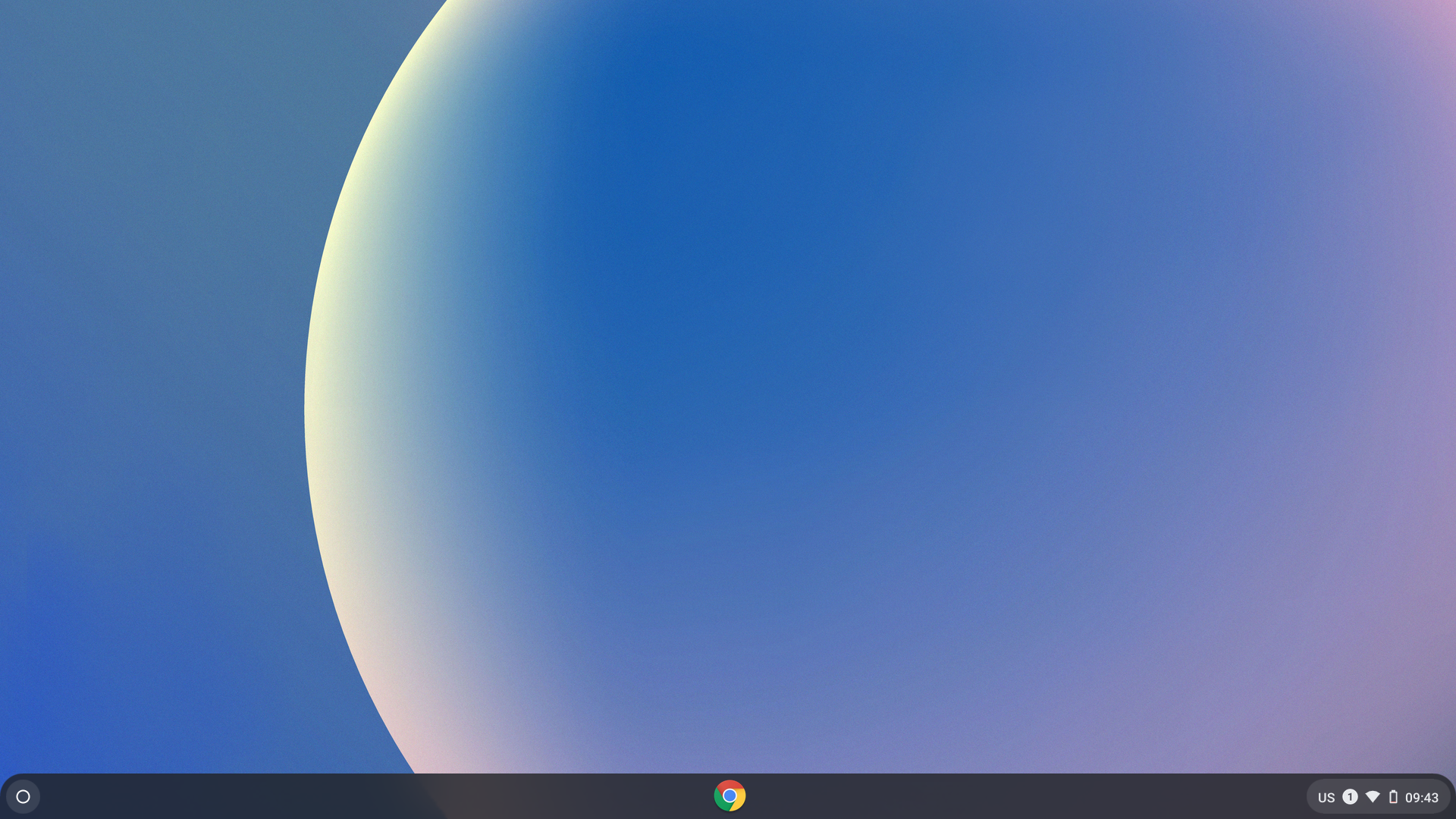
Click the Chrome icon in the center of the dock to open the browser.
Check for extensions
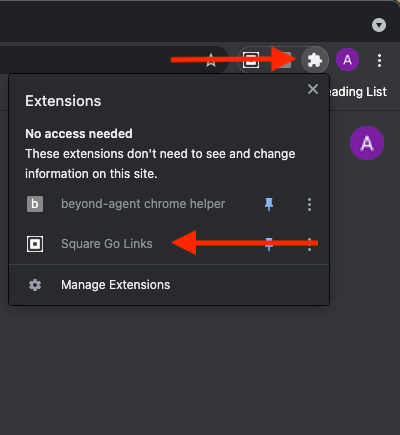
Within a minute, mandatory Chrome extensions will appear under the puzzle icon in the top-right corner of Chrome. Look for the Square Go Links extension to confirm your browser is ready.
Extensions not showing up?
Type chrome://restart into the address bar, press Enter, and check again.
Type chrome://restart into the address bar, press Enter, and check again.
Browser is ready!
Your Chrome extensions are installed and configured.
Need help?
Contact mission-control@squareup.com