Cloudflare WARP VPN
Install and enable Cloudflare WARP to secure your internet connection.
Install from Play Store
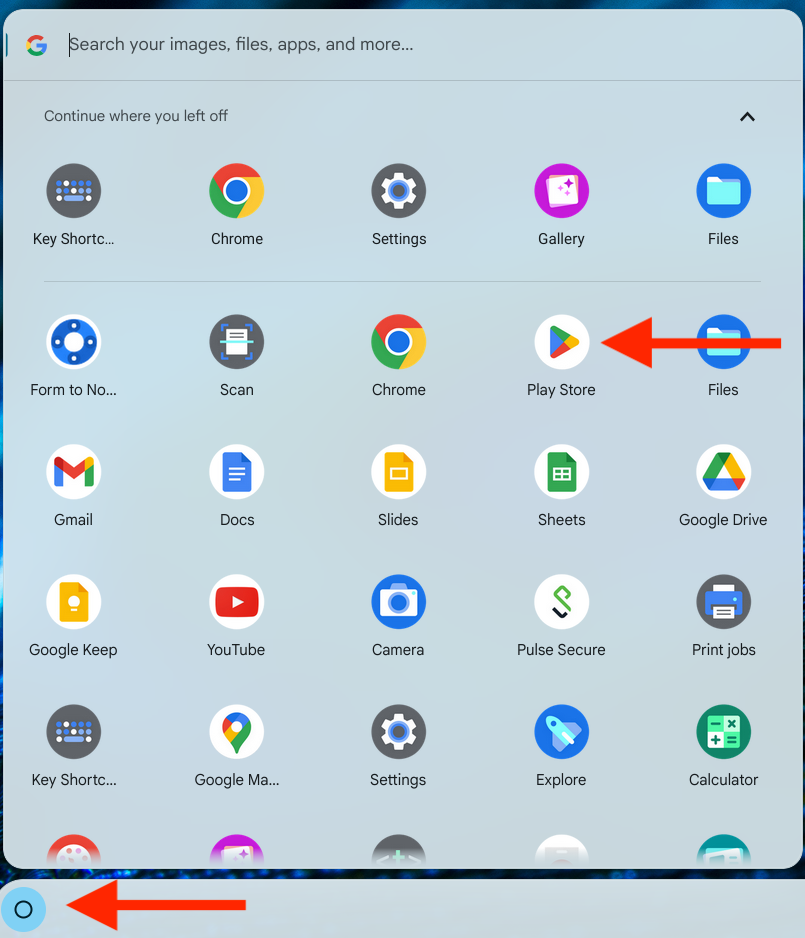
Open the Play Store
Open the Apps menu and select Play Store.
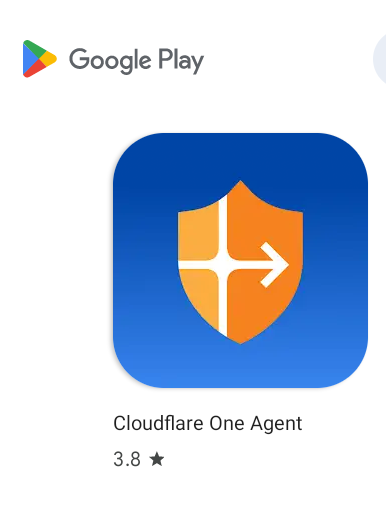
Install Cloudflare One Agent
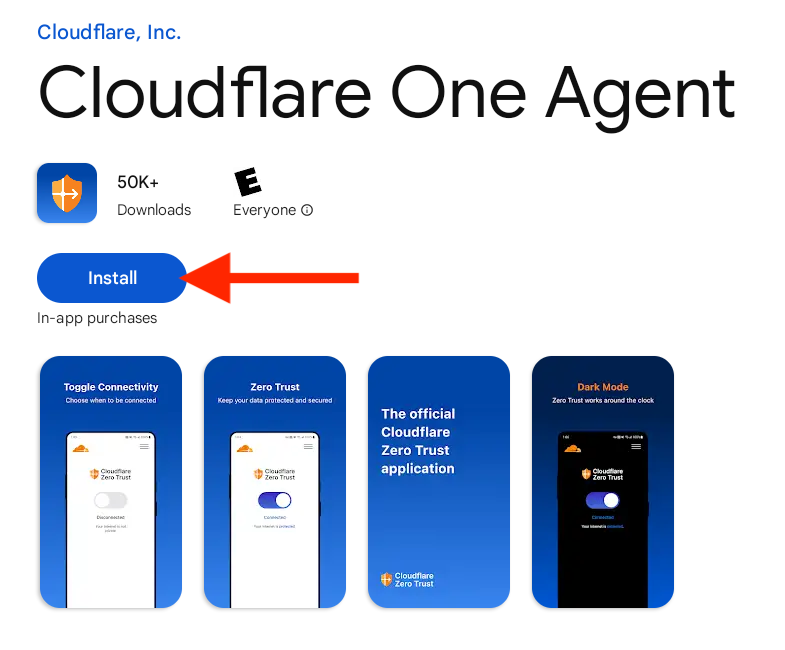
Search for Cloudflare One Agent, select it from the results, and click Install.
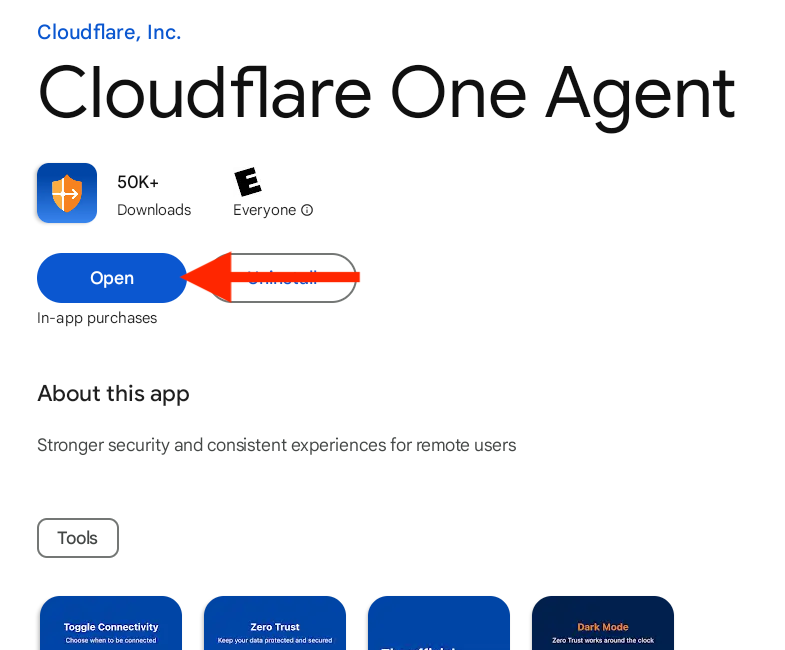
Open the app
Once installation is complete, click Open.
Configure VPN
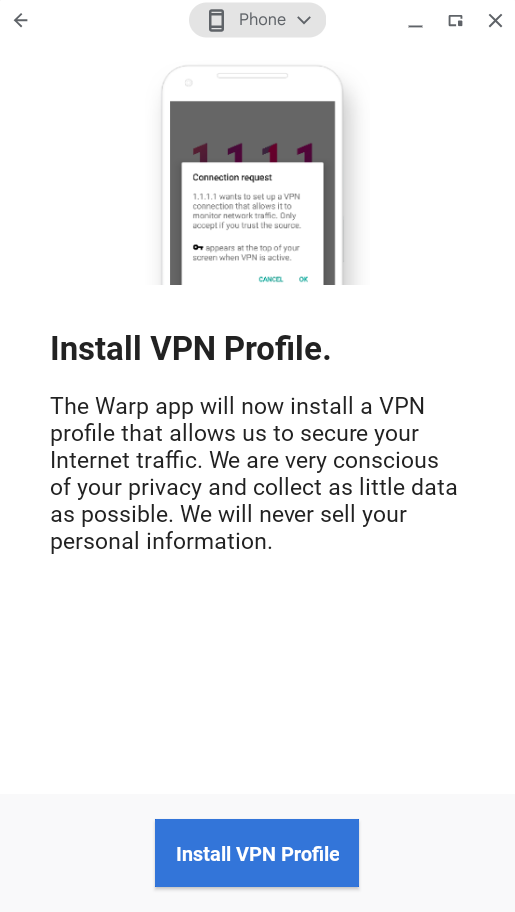
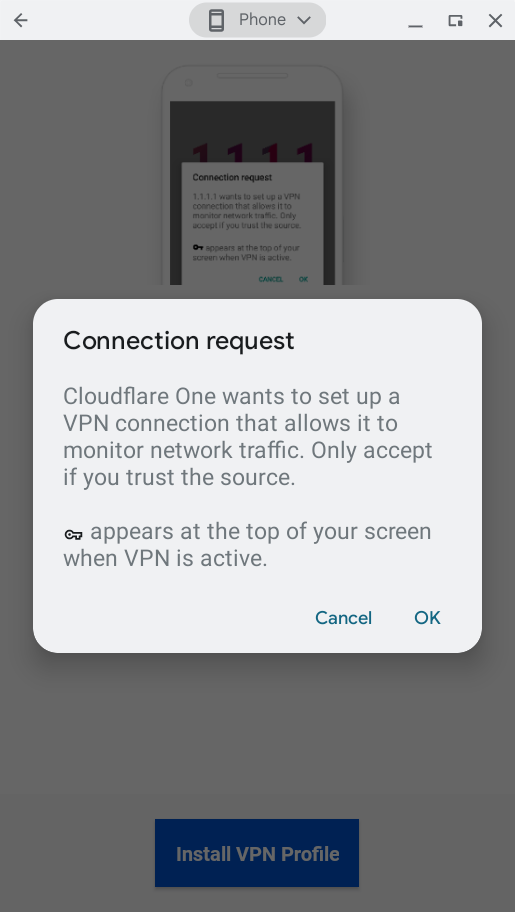
Install VPN profile
Select Install VPN Profile, then click OK when prompted.
Allow notifications
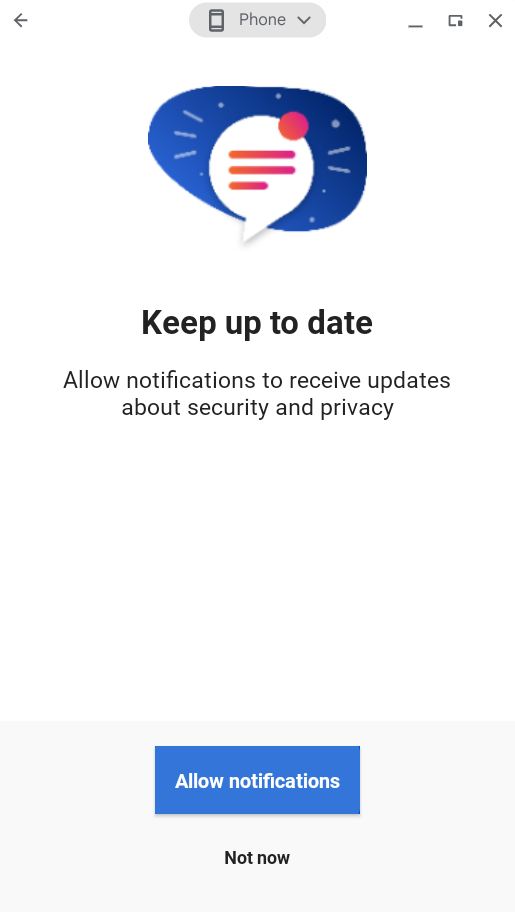
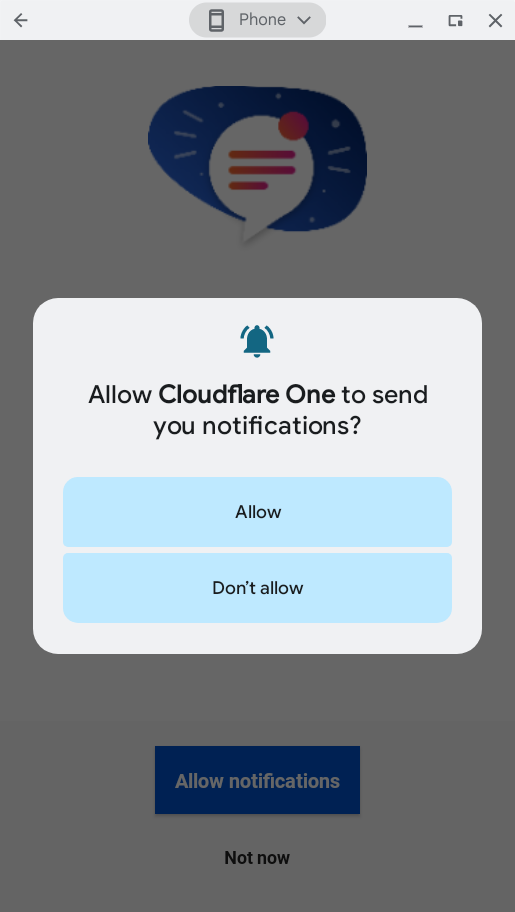
When prompted, select Allow notifications and then Allow. This ensures you receive re-authentication alerts.
Enable Cloudflare Zero Trust
Toggle on Cloudflare Zero Trust to activate the VPN.
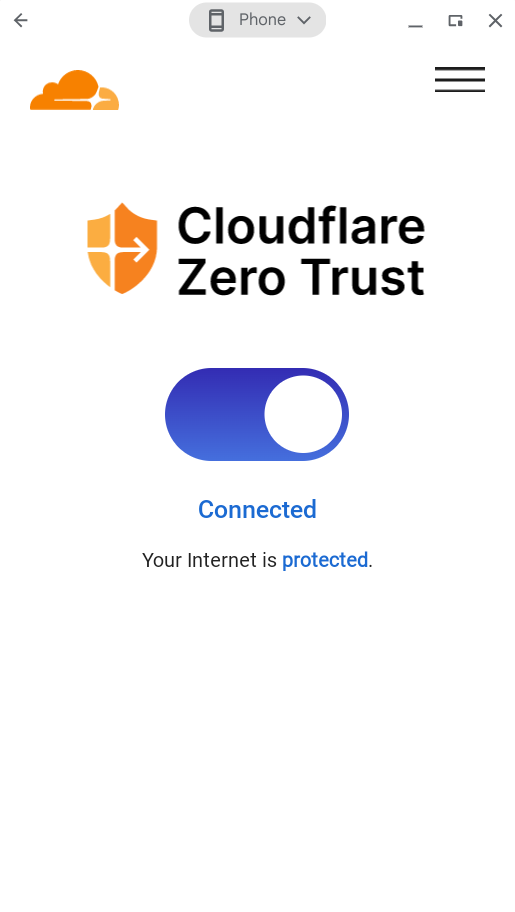
You're connected!
Cloudflare WARP is now active and securing your connection.
Need help?
Contact mission-control@squareup.com